
If you’ve spent any time practicing in Counter-Strike, you’ve probably utilized prefire-style drills that task you with mastering common angles and muscle memory. If you’ve used Refrag at all since its inception, you’ve probably used (or at least heard of) Crossfire, a fast-paced training mode where bots peek you from realistic, common in-game angles. It’s built to simulate real match duels, force fast reactions, and improve your micro-adjustments, crosshair placement, and decision-making.
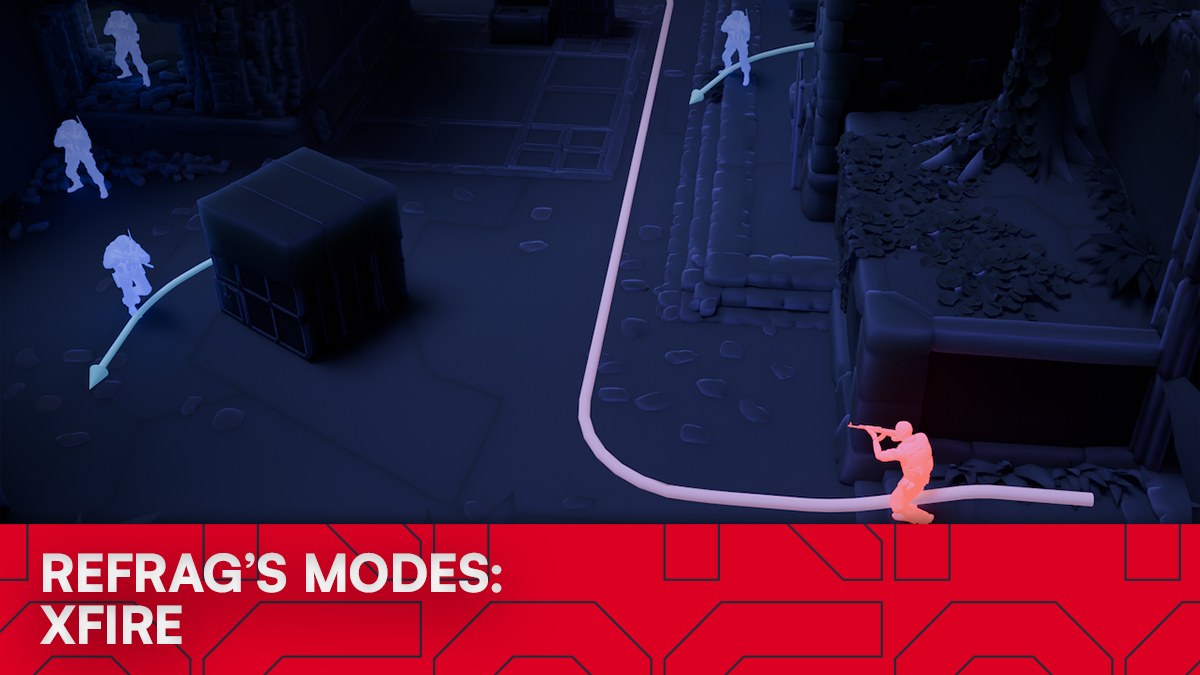
Xfire on Refrag combines both modes into a single, dynamic training mode. It’s designed to simulate clearing common paths while dealing with static threats and reactive peeks at the same time. Instead of isolating mechanics or only focusing on pathing, Xfire forces you to blend them.
What is Xfire?
Xfire is a hybrid mode that blends the structured angle-clearing of Prefire with the pressure and unpredictability of Crossfire scenarios.
You take a common entry path through an area of a map while static bots hold standard positions. As you progress, certain bots will peek you dynamically, forcing you to react instead of simply executing memorized crosshair placement.
Performing well in Xfire relies on:
- Clearing angles in the correct order
- Maintaining proper crosshair height and spacing
- Reacting to movement-based threats
- Managing micro-adjustments under pressure
The result feels closer to an actual round than most mechanical practice modes. Despite it’s similarity in name, Xfire is not Crossfire. They are two distinct Refrag modes.
How to load Xfire on Refrag
Here’s how to load the Xfire mode on Refrag:
From the Refrag Dashboard
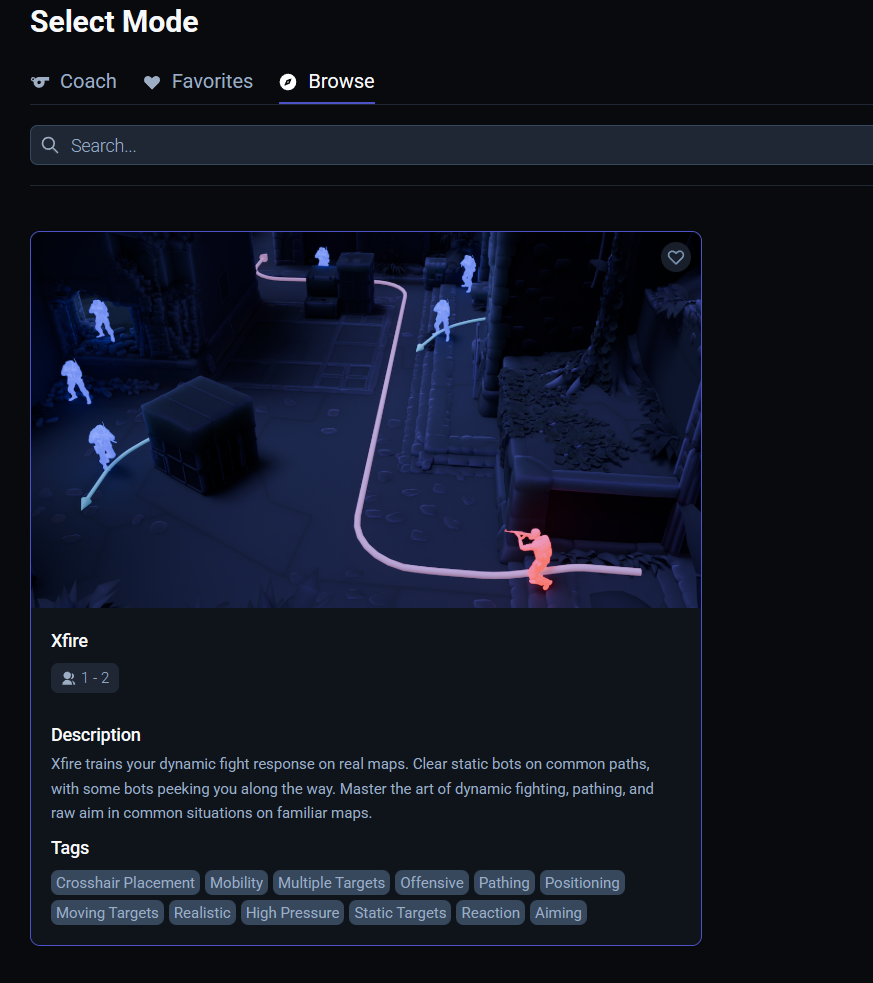
- Hit Play Now or go to https://play.refrag.gg/play
- Under Aim, select Xfire, or search for it using the Search bar
- Select your map, and hit Start Server at the bottom
From a Refrag Server
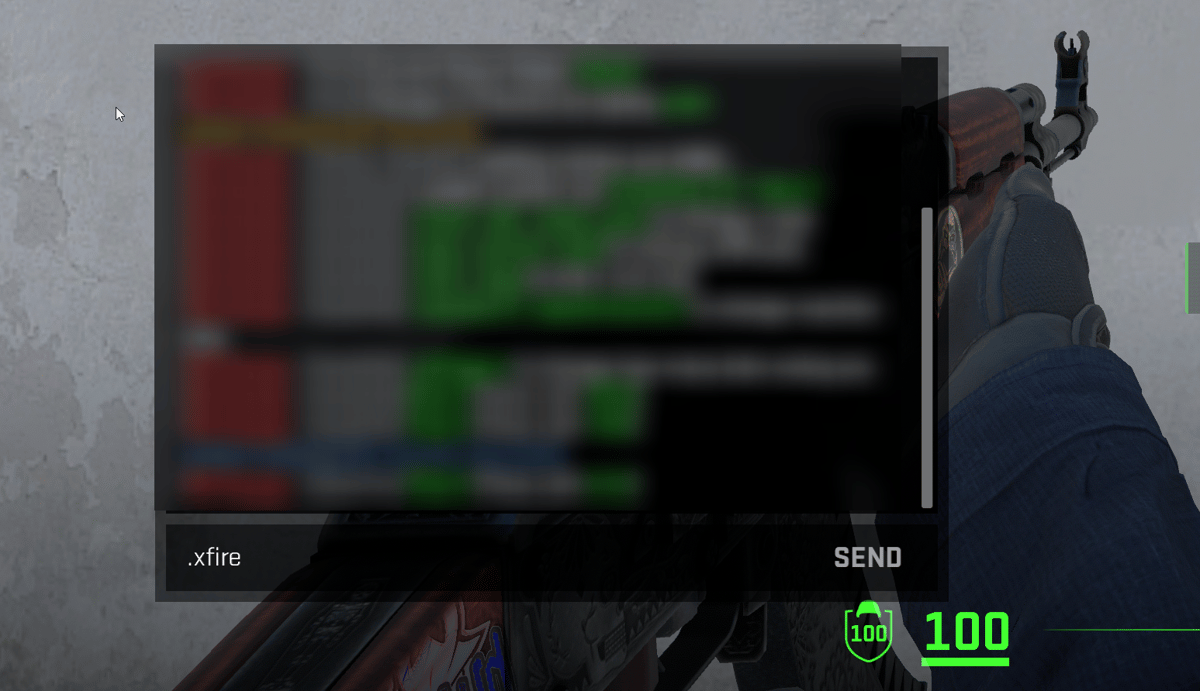
In chat, simply type .xfire to switch to the Xfire mode.
Useful Commands for Xfire
Below is a list of the most commonly used commands for Xfire, and a brief explanation of what they do.
.smart– Sets Creator Studio to Smart mode (automatically adjusts the difficulty based on your skill).prac– Sets Creator Studio to Practice mode (you can change the settings yourself).comp– Sets Creator Studio to Competitive mode (uses the default settings provided by the creator of the set).elo <number>– sets the Elo of the training session.presets <name>– Changes the loadout of the bots (available presets: pistol, save, eco, force, default, AWP).easy– Sets the difficulty of the training session to easy.normal– Sets the difficulty of the training session to normal.hard– Sets the difficulty of the training session to hard
Subscribe to Refrag to get access to Xfire in addition to more advanced aim training modes, utility trainers, and structured practice tools like Refrag Coach that turn your warmup time into real, measurable progress. If you want your aim to feel reliable, not random, use code xfire for a 15% off of your Refrag subscription!
For more information on Xfire and other Refrag training modes, check the Refrag Wiki!


