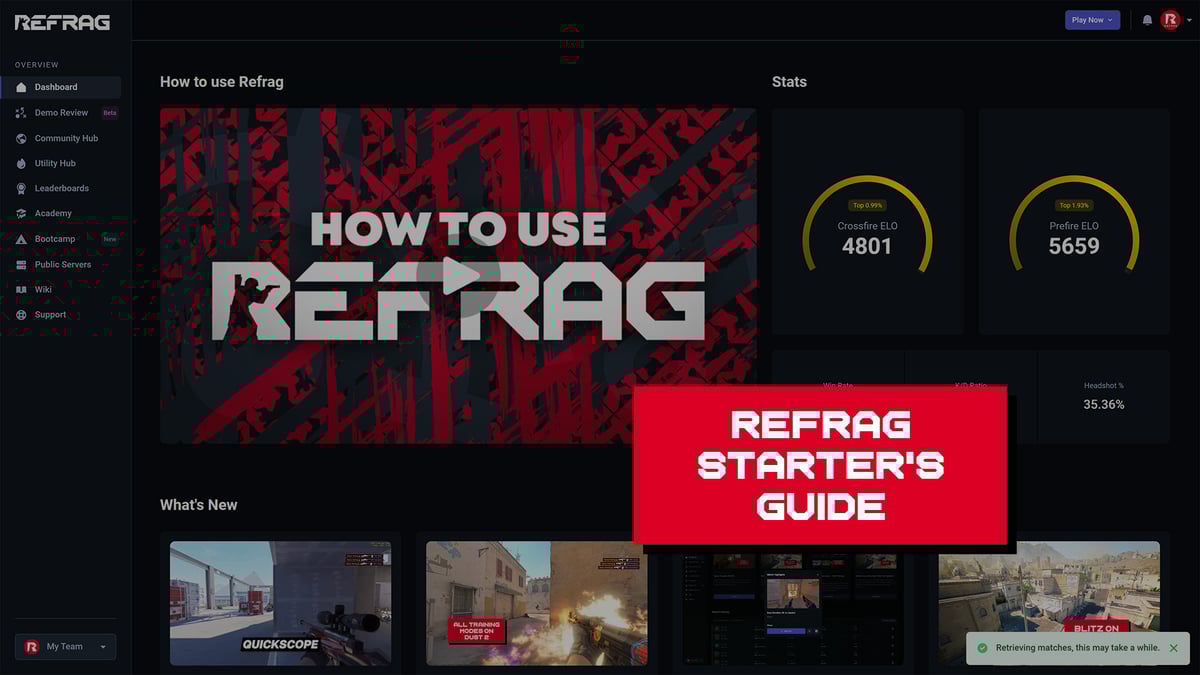
Sometimes, you just want to warm up your raw aim. Don’t worry – Pop has got you covered. Refrag’s purest aim trainer style mode will have you feeling warm and ready to play in no time.
What is Pop?
Pop is the closest Refrag mode to a traditional aim trainer. Isolate your mechanics, pop the spheres, focus on crosshair control, flicks, and consistency without distractions.
Performing well on Pop relies on:
- Consistent focus
- Wrist/arm tension management
- Raw aim
- Reaction time
Pop Sub-Modes
Pop Mode has a handful of sub-modes, each one uniquely targeting a different style of aim warmup. Here is a quick breakdown of each sub-mode and what they do.
- Default – Pop the balloons. Traditional aim training at its simplest.
- Pressure – Pop spheres as they grow, under time pressure, before they reach maximum size.
- Microflick – Train your micros. Small spheres that spawn close to each other, rapidly.
- Gridshot – Pop spheres in a 3×3 grid, warming up your flicks and tension management
- Widewall – Pop spheres that spawn far away from each other
- Jumbo – Big spheres that spawn close to you – low pressure aim warmup
How to load Pop on Refrag
From the Refrag Dashboard
- Hit Play Now or go to https://play.refrag.gg/play
- Under Aim, select Pop, or search for it using the Search bar
- Choose a submode by hovering over Pop and clicking one of the multiple options
- Select your map and hit Start Server at the bottom
From a Refrag Server

In chat, simply type .pop to switch to Pop mode.
Useful Commands For Pop
Below is a list of the most commonly used commands for Pop, and a brief explanation of what they do.
.smart– Endless mode. Guns enabled..prac– Endless mode. Guns enabled..comp– Time challenge. Guns disabled..popnogun– Toggles guns..weapon-name– Equips the weapon of your choice (for example: .ak or .awp)..popscale– Changes scale..poptargets– Changes the number of targets.